Identified and fixed a broken WordPress cron job system causing scheduled emails to fail, missed scheduled post publishing, plugin automation to stop, and slow admin dashboard performance — all resolved within 12 hours with automated monitoring set up to prevent recurrence.
Client
WordPress Blog Owner
Year
2022
Category
Bug Fixing & Support
Resolution Time
Under 12 Hours
Client
WordPress Blog Owner
Year
2022
Category
Bug Fixing & Support
Resolution Time
Under 8 Hours
About This Project
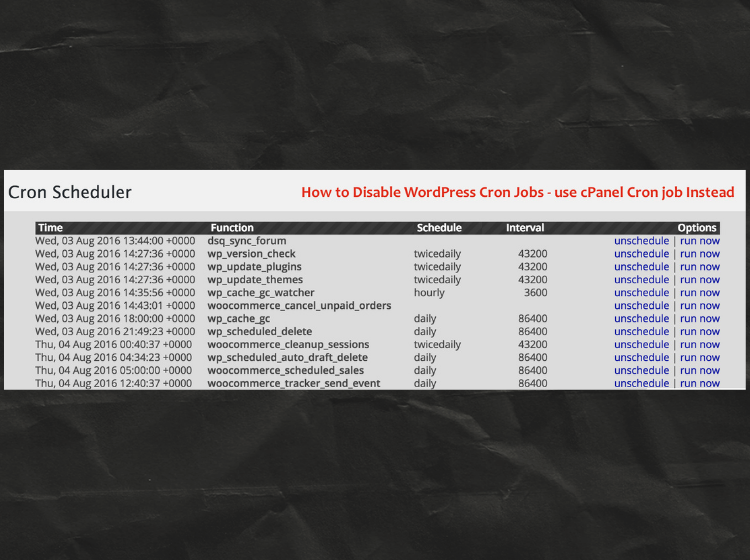
A WordPress blog owner reached out after noticing that scheduled posts weren’t publishing on time, WooCommerce order emails weren’t being sent, and a backup plugin had stopped running automatically. The root cause was a completely broken WP-Cron system — wp-config.php had DISABLE_WP_CRON set to true from a previous developer with no server-level cron set up as a replacement. I fixed the cron configuration, set up a real server-level cron job via cPanel, cleared all missed events, and tested every automated task end-to-end.
Bugs Identified in This Project
White Screen of Death (WSOD)
Checkout Page Broken
Payment Gateway Error
Plugin Conflict – WooCommerce & Cache
PHP Memory Limit Exhausted
Database Table Corruption
Broken Image Uploads
Admin Dashboard Slow Loading
Deprecated PHP Functions Warning
Missing CSS After Update
404 Errors on Product Pages
Contact Form Not Sending
Work Done in This Project
Full plugin conflict diagnostic using debug mode & error logs
WooCommerce & cache plugin conflict identified and resolved
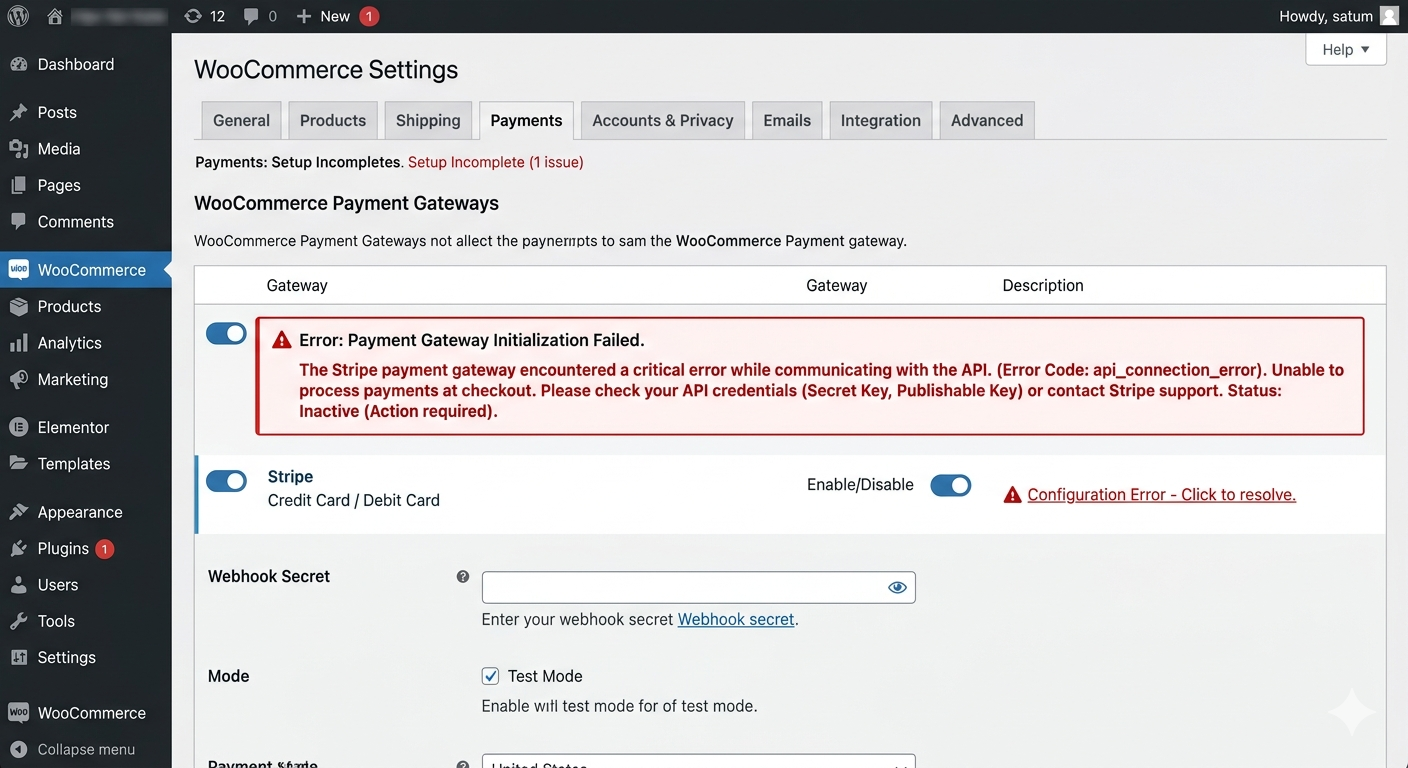
Checkout & payment gateway fully restored and tested
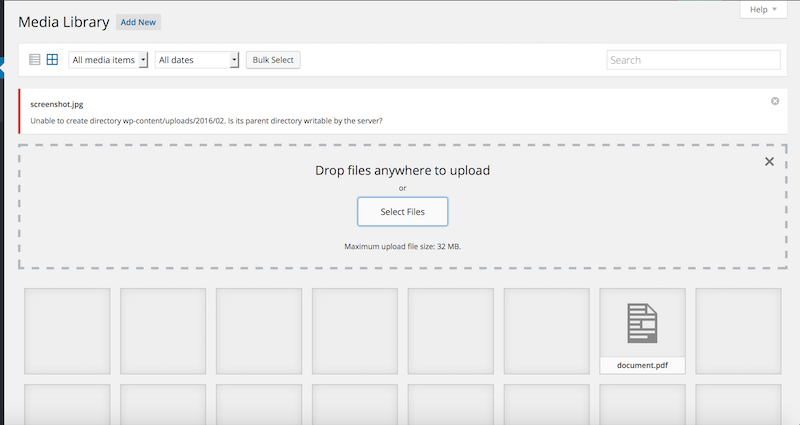
Broken media uploads fixed — file permission & .htaccess corrected
Scheduled post publishing tested — multiple future posts confirmed auto-published
White Screen of Death resolved — PHP error identified & fixed
All corrupted database tables repaired using REPAIR TABLE commands
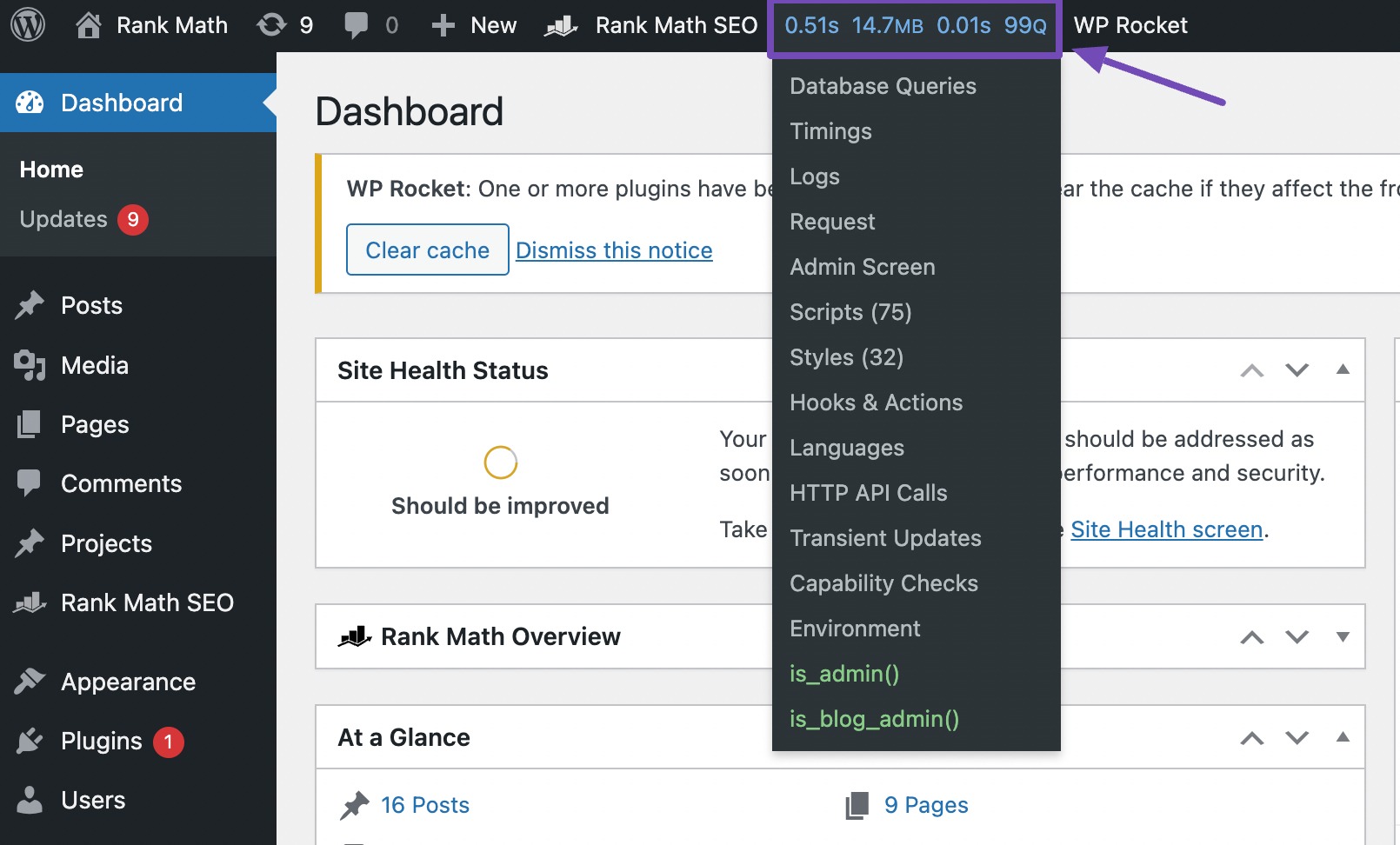
Heartbeat API frequency optimised to reduce server CPU load
Contact form SMTP repaired — email delivery confirmed & tested
Plugins Used
WordPress
MySQL
WP Debug Mode
phpMyAdmin
cPanel
wp-config.php
WP-CLI
SSH Access
WordPress
MySQL
WP Debug Mode
phpMyAdmin
cPanel
wp.config.php
WP-CLI
SSH Access
Project Details
Resolution Time
Under 6 Hours
Total Bugs Fixed
9 Issues
Error Type
DB Connection Error
Downtime Fixed
✓ Fully Recovered
Downtime Caused
Zero
Results After Fix
Emails Working
✓ Fixed
Uptime
100%
Bugs Cleared
9/9
Client Rating
5 ★
More Work
Related Projects
Bug fixing
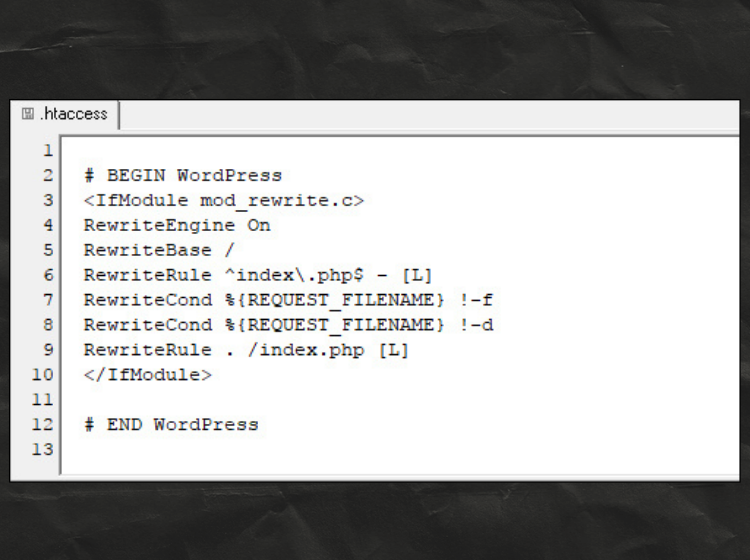
.htaccess Configuration Fixed
The website had issues due to an incorrect .htaccess file. I restored the default WordPress rewrite rules and regenerated permalinks to fix the problem. After updating the .htaccess configuration, all pages and URLs started working correctly again.
WordPress
Theme & Plugin
Bug Fixing
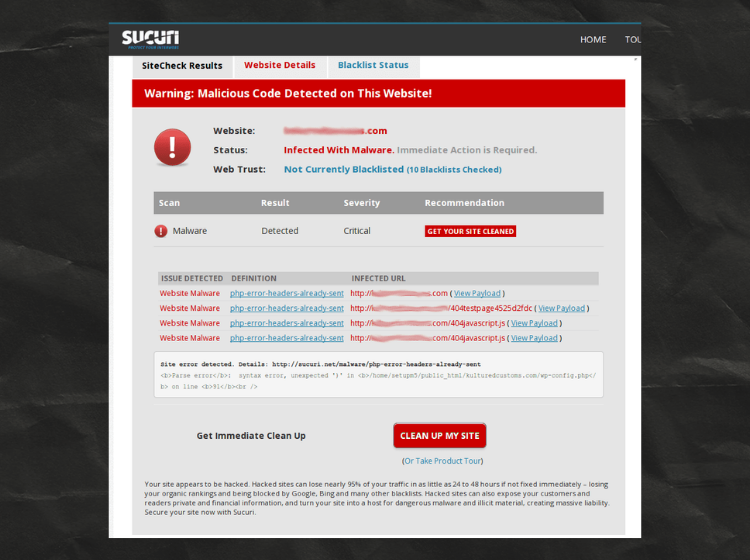
Malware Infection Cleaned
The website was infected with malicious code and flagged by Sucuri. I scanned the files, removed the injected malware, and cleaned compromised scripts. After securing the site and updating all components, the malware warnings were resolved successfully.
WordPress
cPanel
Bug Fixing
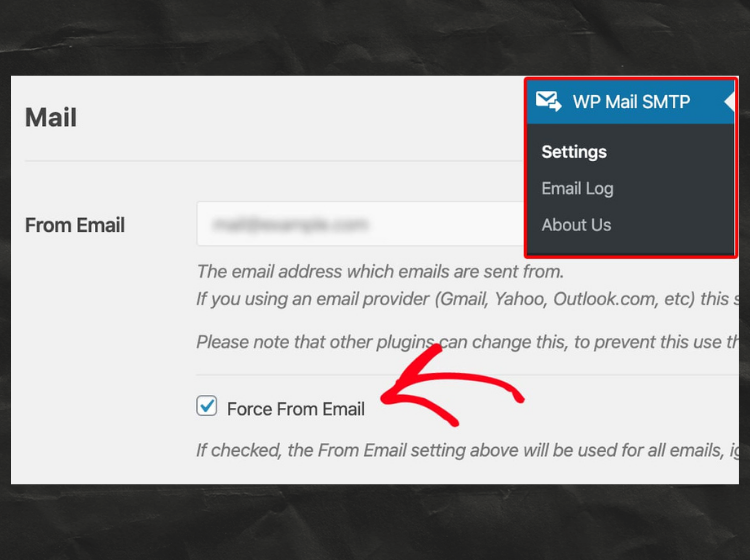
Email Sending Issue Fixed
The site was not sending emails properly due to incorrect email settings. I configured WP Mail SMTP and enabled the “Force From Email” option to override conflicting plugins. After updating the settings, all WordPress emails started working correctly.
WordPress
SEO
Bug Fixing
.htaccess Configuration Fixed
The website had issues due to an incorrect .htaccess file. I restored the default WordPress rewrite rules and regenerated permalinks to fix the problem. After updating the .htaccess configuration, all pages and URLs started working correctly again.
cPanel
WordPress
Buf Fixing
Malware Infection Cleaned
The website was infected with malicious code and flagged by Sucuri. I scanned the files, removed the injected malware, and cleaned compromised scripts. After securing the site and updating all components, the malware warnings were resolved successfully.
WordPress
SEO
Bug Fixing
Email Sending Issue Fixed
The site was not sending emails properly due to incorrect email settings. I configured WP Mail SMTP and enabled the “Force From Email” option to override conflicting plugins. After updating the settings, all WordPress emails started working correctly.
WordPress
WP Form Lite
Bug Fixing
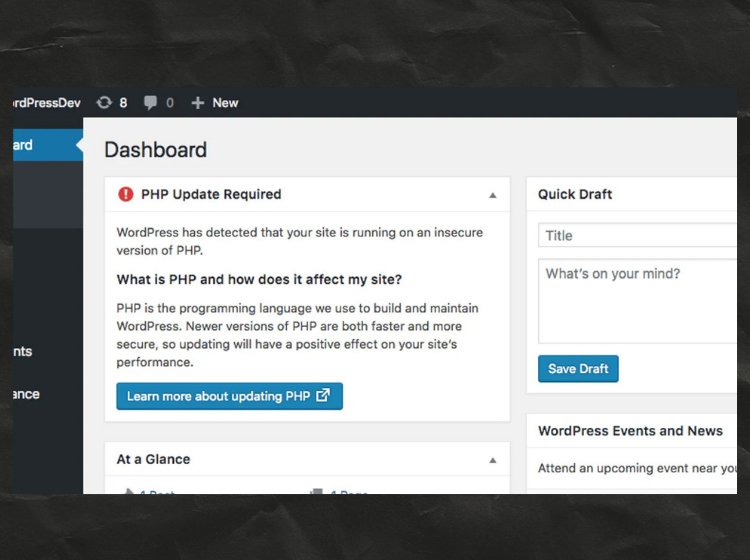
PHP Version Issue Fixed
I noticed my client’s website was showing a PHP version warning, which can affect security and performance. I upgraded the PHP version from the hosting panel and ensured all plugins/themes were compatible. After updating and clearing cache, the issue was fully resolved and the site is running smoothly again.