
Malware Infection &
Website Security Fix
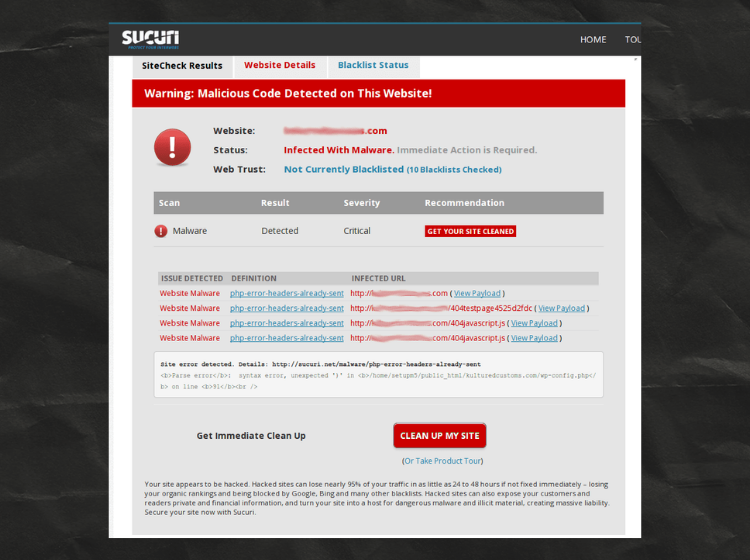
Detected and completely removed malicious code injected across hundreds of files and folders by a rogue developer — securing the client’s website and restoring full control within 24 hours.
Client
Year
Category
Resolution Time
Client
Year
Category
Resolution Time
About This Project
One of my client’s websites was flagged by the hosting provider after malware was detected on the server. The hosting team also warned that the website could be suspended if the issue was not resolved quickly. After performing a complete security audit, I identified the infected files, removed the malicious code, secured vulnerable areas, and updated all outdated components. The website is now fully cleaned, secure, and running smoothly without any further issues.
During the investigation, I also found several common security weaknesses that often lead to malware infections, including outdated WordPress files, plugins, themes, weak admin security, unnecessary user accounts, and poor website maintenance practices. A website requires regular monitoring, updates, and security checks to keep it safe and performing properly. Proper maintenance helps businesses avoid downtime, security risks, and performance issues while ensuring the website remains stable and protected.
Bugs Identified in This Project
Work Done in This Project
- Full malware scan using Wordfence Security plugin — all threats identified
- Database scanned and malicious entries removed
- Suspicious cron jobs identified and disabled
- Theme and plugin files cleaned — infected code stripped completely
- Security headers implemented for additional protection
- Manual inspection of all PHP, JS, and .htaccess files for backdoors
- Login activity monitored and suspicious sessions terminated
- All rogue/hidden admin accounts deleted from database via phpMyAdmin
- Backup created before cleanup and restoration process
- Resolved SiteGround malware/security warnings and verified clean status after cleanup
- Full malware scan using Wordfence Security plugin — all threats identified
- Database scanned and malicious entries removed
- Suspicious cron jobs identified and disabled
- Theme and plugin files cleaned — infected code stripped completely
- Security headers implemented for additional protection
- Manual inspection of all PHP, JS, and .htaccess files for backdoors
- .htaccess cleaned — redirect injections removed and rules restored
- All rogue/hidden admin accounts deleted from database via phpMyAdmin
- Backup created before cleanup and restoration process
- Login activity monitored and suspicious sessions terminated
Plugins Used
- WordPress
- Wordfence
- PHP
- cPanel
- .htaccess
- WP-CLI
- phpMyAdmin
- Cloudfare
- File Manager
- Custom Script
- WordPress
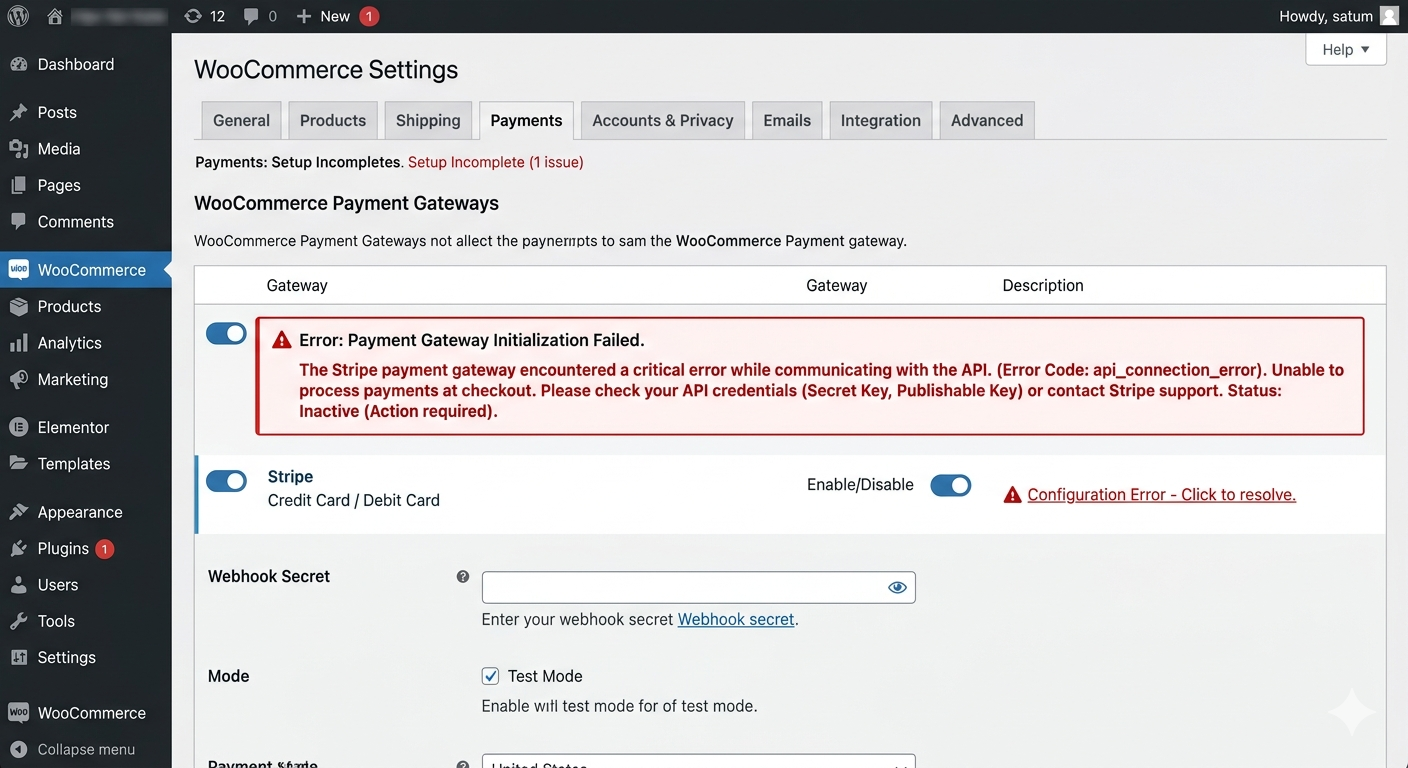
- Woocommerce
- PHP Debug
- phpMyAdmin
- cPanel
- .htaccess
- WP-CLI
- Cloudfare
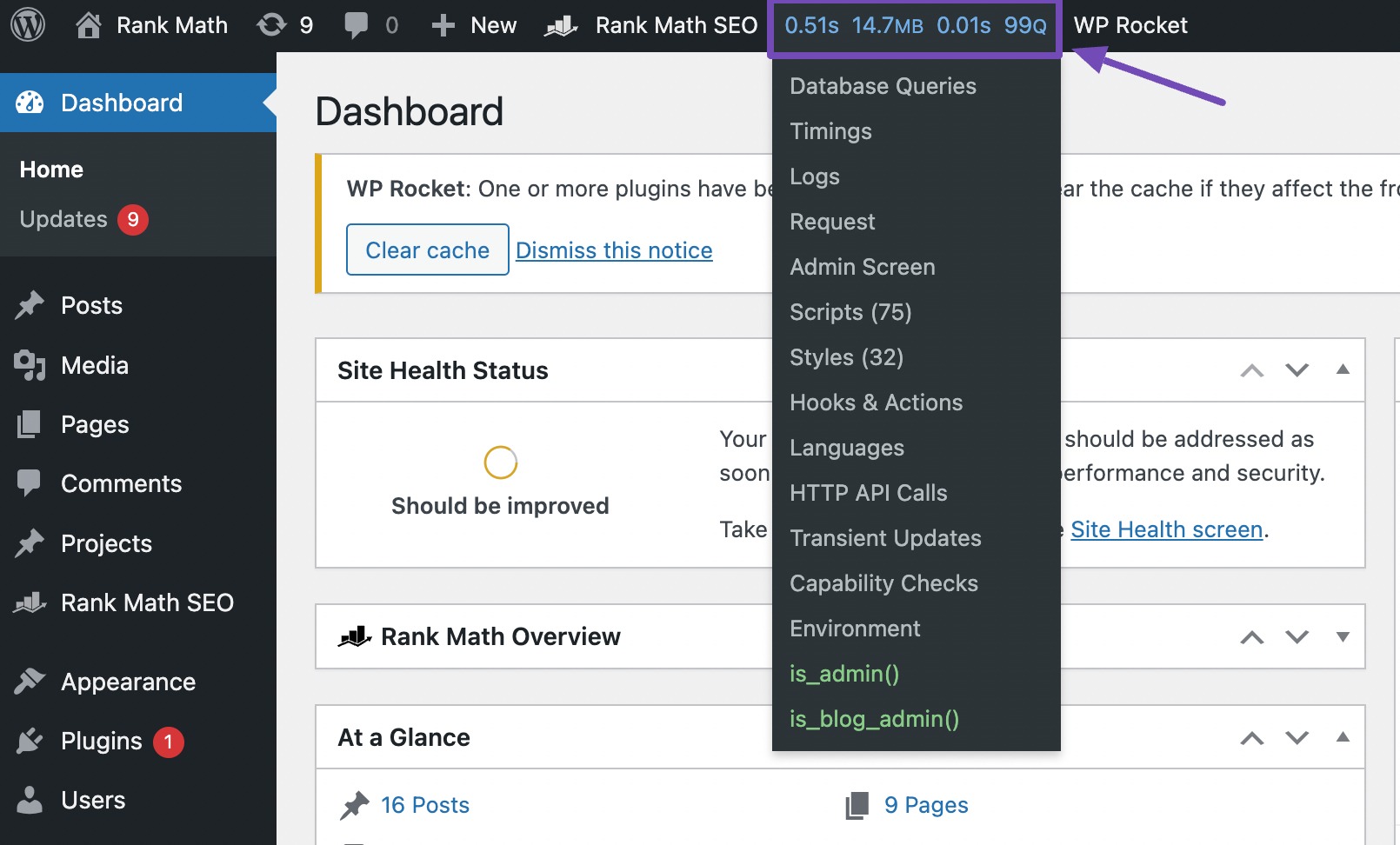
- Query Monitor
Project Details
- Zero
Results After Fix
Related Projects
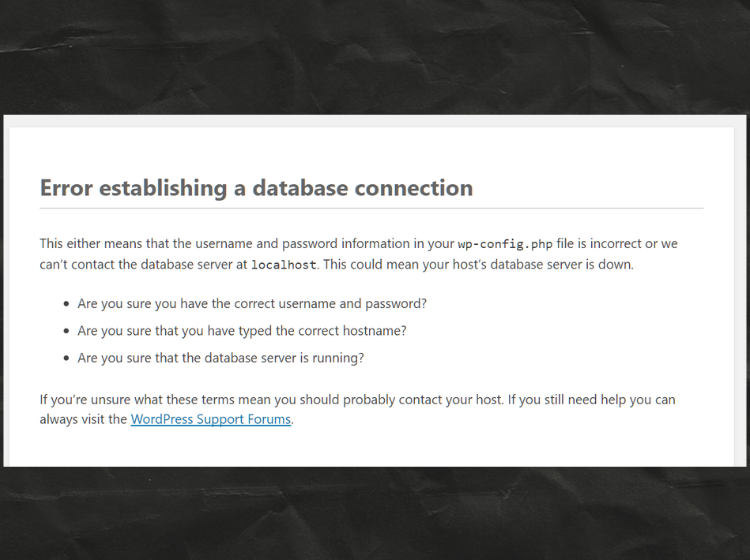
Database Connection Error Fixed
My site was showing a database connection error due to incorrect database credentials. I updated the DB name, username, password, and host details in the wp-config.php file. After saving the correct credentials and restarting the database service, the website started working normally again.
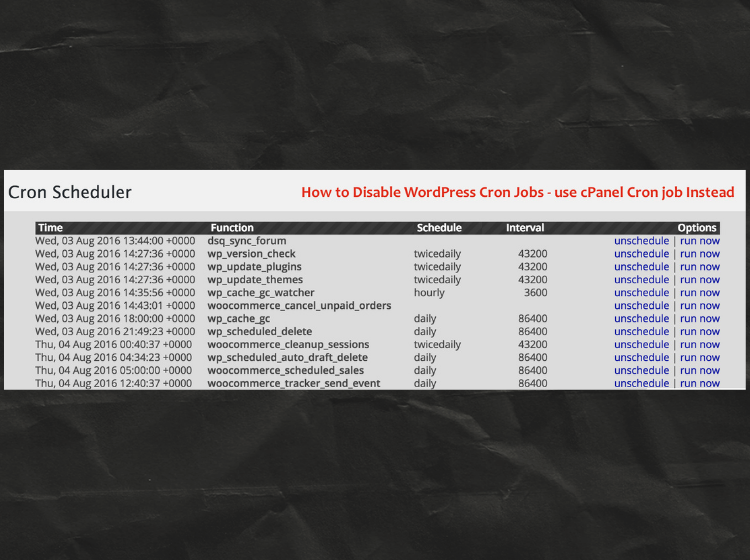
Cron Job Issue Resolved
My site’s scheduled tasks were not running properly due to WordPress internal cron issues. I disabled WP-Cron and set up a real server cron job from cPanel to handle tasks more reliably. After switching to the server cron, all scheduled events started working smoothly.
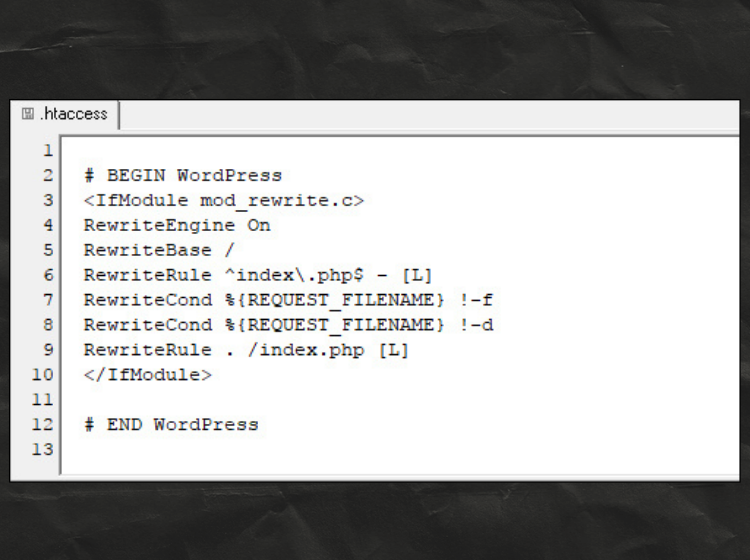
.htaccess Configuration Fixed
The website had issues due to an incorrect .htaccess file. I restored the default WordPress rewrite rules and regenerated permalinks to fix the problem. After updating the .htaccess configuration, all pages and URLs started working correctly again.
Database Connection Error Fixed
My site was showing a database connection error due to incorrect database credentials. I updated the DB name, username, password, and host details in the wp-config.php file. After saving the correct credentials and restarting the database service, the website started working normally again.
Cron Job Issue Resolved
My site’s scheduled tasks were not running properly due to WordPress internal cron issues. I disabled WP-Cron and set up a real server cron job from cPanel to handle tasks more reliably. After switching to the server cron, all scheduled events started working smoothly.
.htaccess Configuration Fixed
Using Troubleshooting Mode, I switched between default WordPress themes to find out if the issue was theme-related. After confirming the theme conflict, I applied the required fixes and restored the correct theme, bringing the site back to normal.
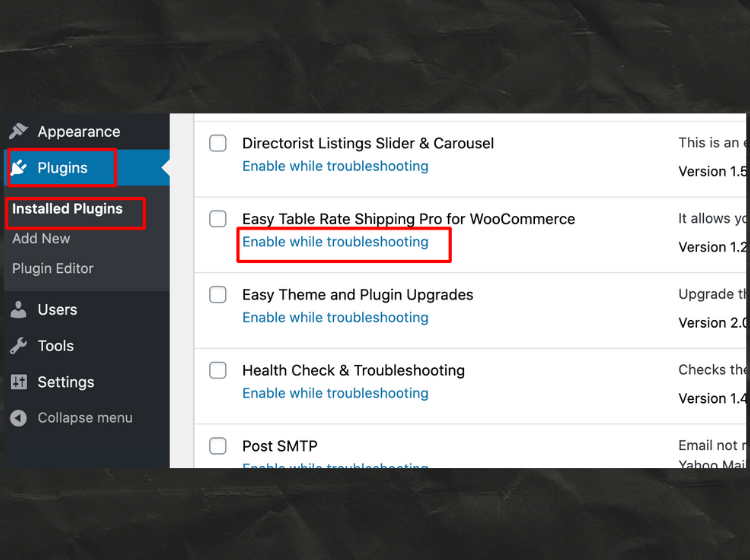
Plugin Conflict Issue Fixed
The website had issues due to an incorrect .htaccess file. I restored the default WordPress rewrite rules and regenerated permalinks to fix the problem. After updating the .htaccess configuration, all pages and URLs started working correctly again.